 COME
COMECheck COME Account Access Before Reinstalling or Changing Phones
Before replacing an installation, confirm how you will regain access to the account you use. A fresh APK does not automatically restore a forgotten sign-in or transfer every local setting.
Keep the working device available
If COME still opens on your current phone, keep it available while checking the new setup. Note the sign-in method you normally use without writing down secret codes in a shared document. Do not log out or erase the old app solely because another device is ready.
Distinguish the menu actions
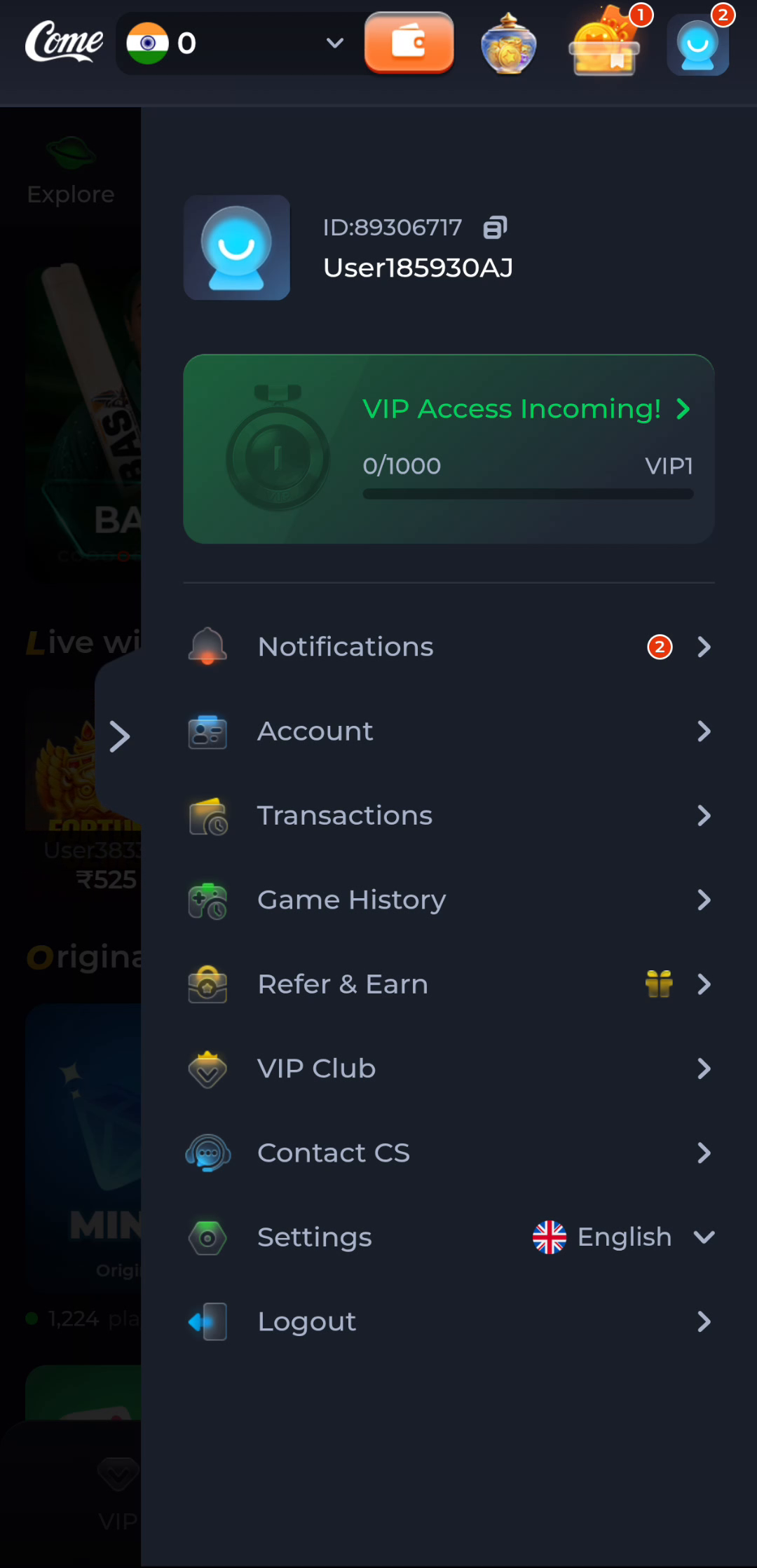
The account menu includes Account, Settings and Logout as separate entries. Settings concerns app preferences; Logout changes the active session. Choose the control that matches your task and read any message before taking a step that could interrupt access.
Get the new installation from a checked source
Review the destination and file identity on the new device just as you would for a first installation. Do not assume that a file forwarded in a chat is equivalent to the current download offered by the provider. Keep Android protection enabled.
Recover access through the right route
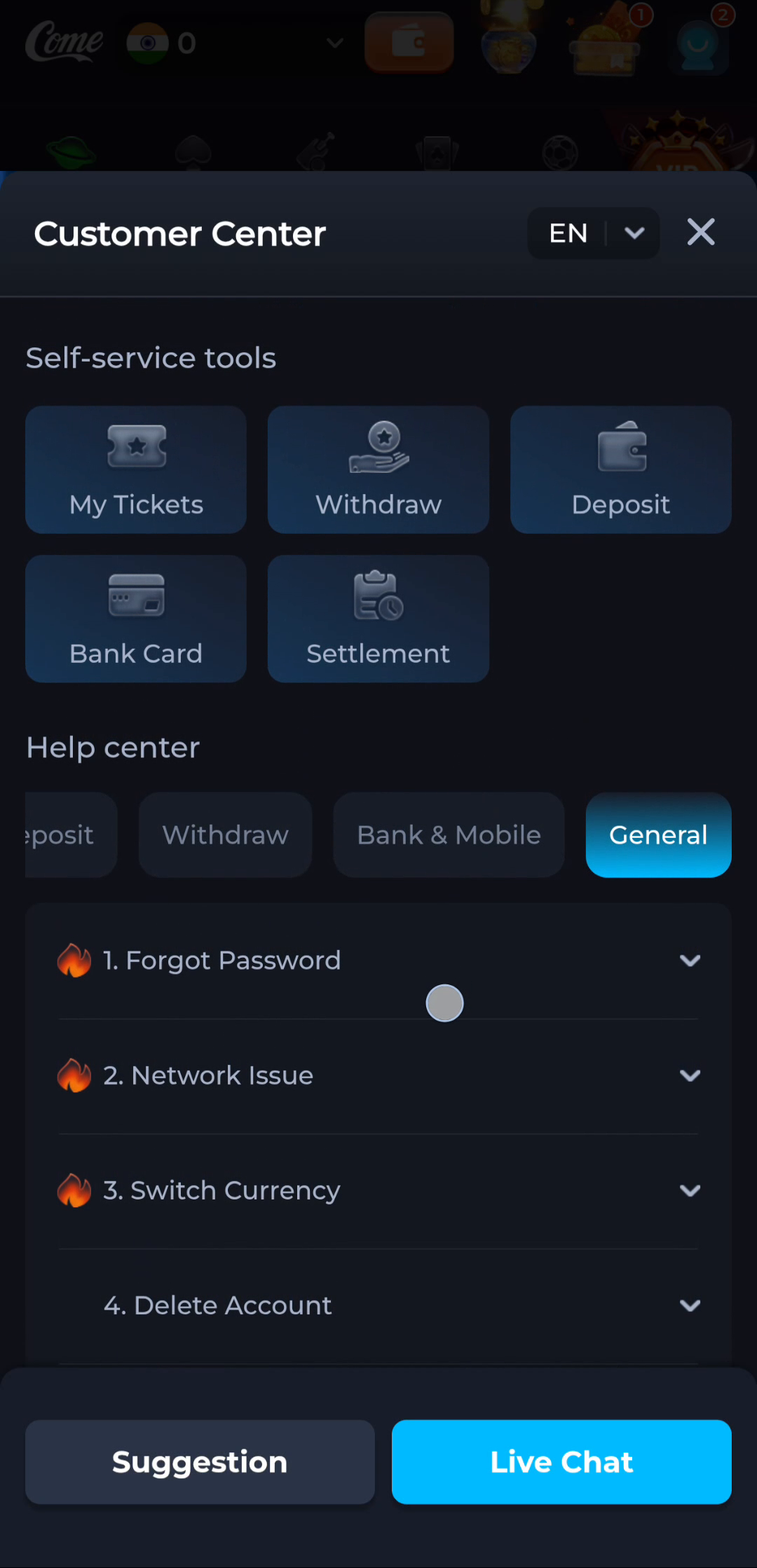
The General help screen includes a Forgot Password topic. If you cannot sign in, follow the service’s own recovery flow rather than repeatedly reinstalling. Never give a one-time code or password to another person who claims to be completing the recovery for you.
Verify before removing anything
Confirm the new app opens and that the intended account can be reached before considering changes to the old device. A successful installation and successful account access are separate outcomes. If either fails, record the exact message and keep your starting point intact.