 COME
COMEAn Unfamiliar COME Download Page: What to Check
When a COME link leads somewhere unfamiliar, pause before the next action. Work out whether you are looking at an app entry, a file download or an unrelated promotion.
Read the action the page is requesting
A page asking you to sign in, allow notifications or install another program is requesting a different action from receiving an APK. Do not approve it merely because you clicked a download button on the previous page. Check the destination and why that action is relevant.
Compare labels, not promises
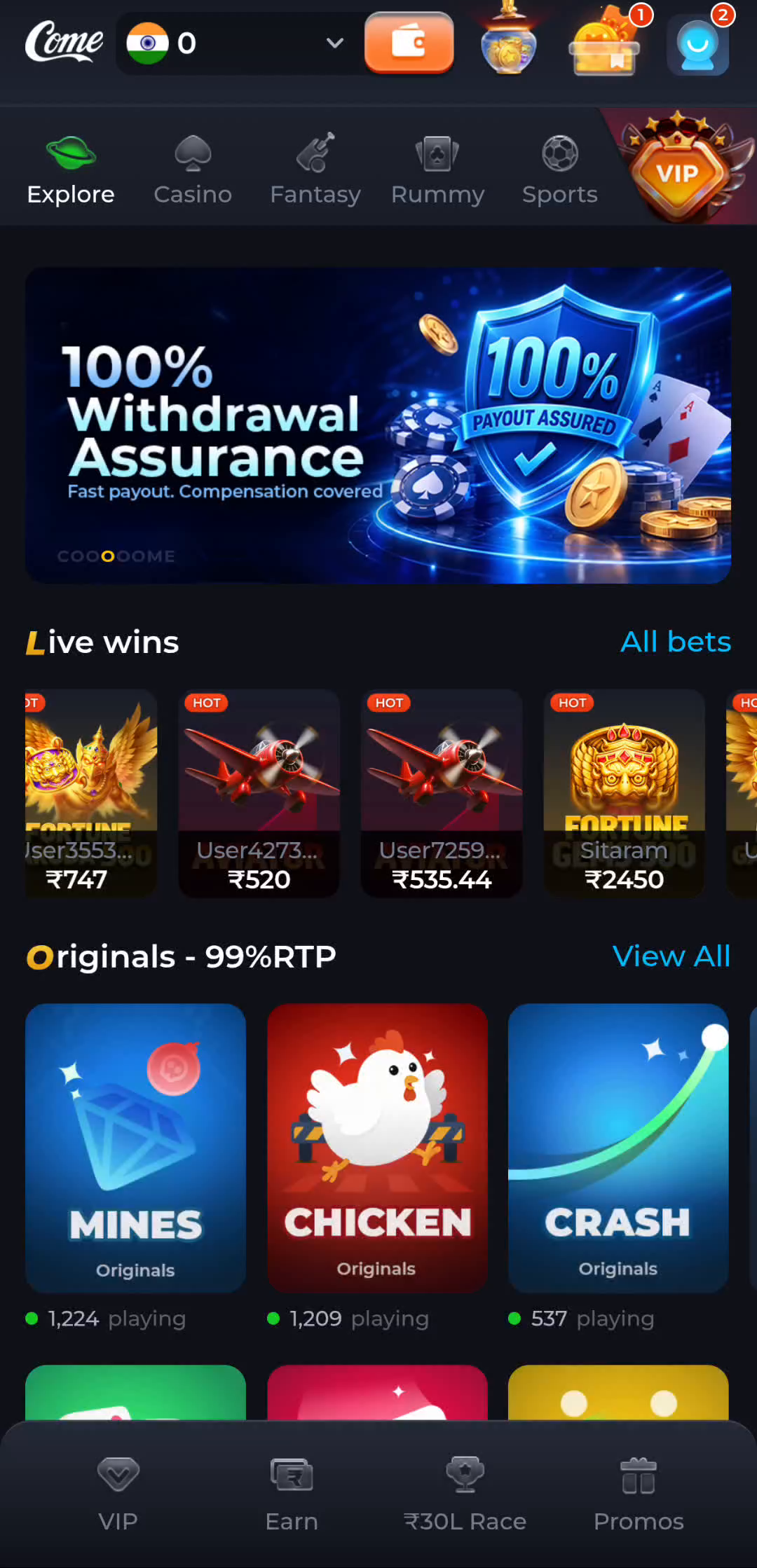
A familiar interface can help identify the topic, while promotional language can distract from the file details. The home-screen example shows COME categories and game tiles; any offer figures belong to that pictured screen and should not be read as terms for the page you just opened.
Find a clear file description
Look for an Android download option and read the app name, version and any device requirements around it. If no file is actually offered, you have reached a page rather than a completed download. Avoid unrelated buttons that imitate system notifications or demand an extra download manager.
Handle unexpected requests conservatively
Keep browser and Android protection active. If the address, requested action or installer identity does not match what you intended, stop and use a verified route to the service for clarification. Do not paste passwords or one-time codes into a form just to make the page proceed.
Keep a non-sensitive record
Write down the address, the visible message and the stage where the route changed. This is enough to describe a redirect or missing-file problem without publishing private account data. Return to the download instructions once the destination and offered file are clear.